Users List
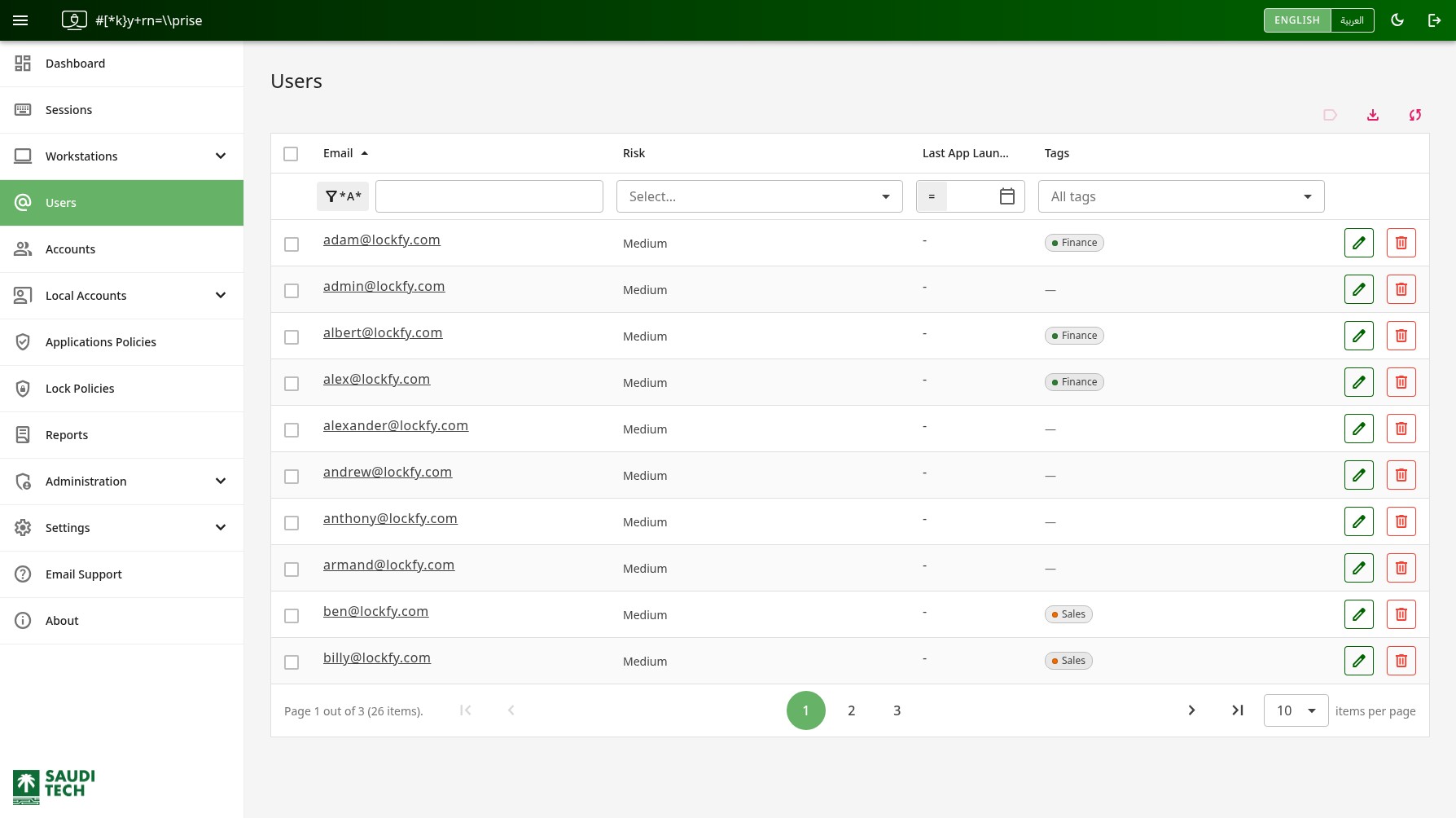
This page lists users observed by Lockfy across managed workstations. Use it to review person-level risk, follow ownership relationships, and move into a specific user’s activity history.
Selecting an email address opens the user details page.
The Tags column shows the tags attached to each user, and the All tags filter above it narrows the list to a single tag. Tags are what delegated administrators are granted access over, so this column tells you which parts of the organization can see a given person — see Tags.
To tag several people at once, select their rows using the checkboxes and use the tag action in the table header. This is the fastest way to bring a group of people into an existing delegation.
Per-User Actions
Section titled “Per-User Actions”Each row can include the following actions:
- Update the user’s assigned risk. While editing, Lockfy shows to save and to cancel.
- Delete the user record if it has no associated accounts. This action cannot be undone.
Table Quick Actions
Section titled “Table Quick Actions”- label Tag the selected users. Available to global administrators.
- download Export the current data set to Excel.
- sync Refresh the list.