Lock Policies List
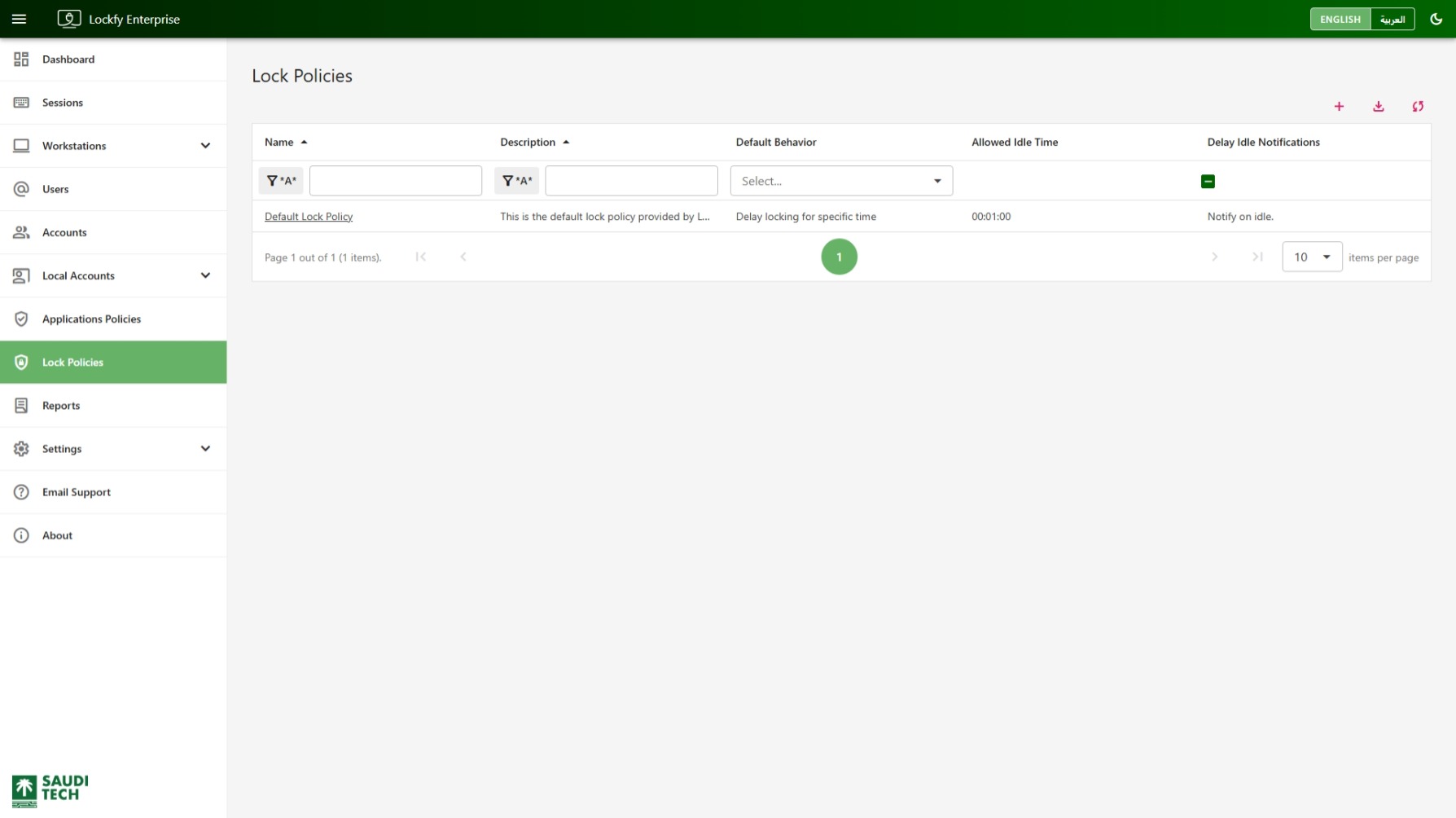
This page lists the lock policies available in Lockfy. Use it to review the default idle-handling behavior configured for each policy and to identify how long Lockfy allows exceptions before it forces the workstation to lock.
Each row shows the policy name, description, default behavior, allowed idle time, and whether delay-mode notifications are enabled.
Lock policies support two main behaviors:
Ignore offenders & lock: Lockfy ignores the override condition and forces the workstation to lock as soon as idle is detected.Delay locking for specific time: Lockfy allows a limited grace period before locking. The delay can come from the policy default for unlisted applications or from an application-specific override.
Table Filters
Section titled “Table Filters”Use the filter row below the column headers to narrow the list:
Name: Find a policy by its display name.Description: Search policy notes or purpose text.Default Behavior: Filter by the policy’s default idle-handling mode.
Table Columns
Section titled “Table Columns”Allowed Idle Time: The grace period used when the policy delays locking.Delay Idle Notifications: Whether users are notified when idle is detected during a delayed-lock period.
Table Quick Actions
Section titled “Table Quick Actions”- add Open the create panel to add a new lock policy.
- label Tag the selected lock policies. Select rows using the checkboxes first. Available to global administrators.
- download Export the current data set to Excel.
- sync Refresh the list.
Tagging a lock policy lets access to it be delegated over that tag — see Tags and Access Grants.