Reports
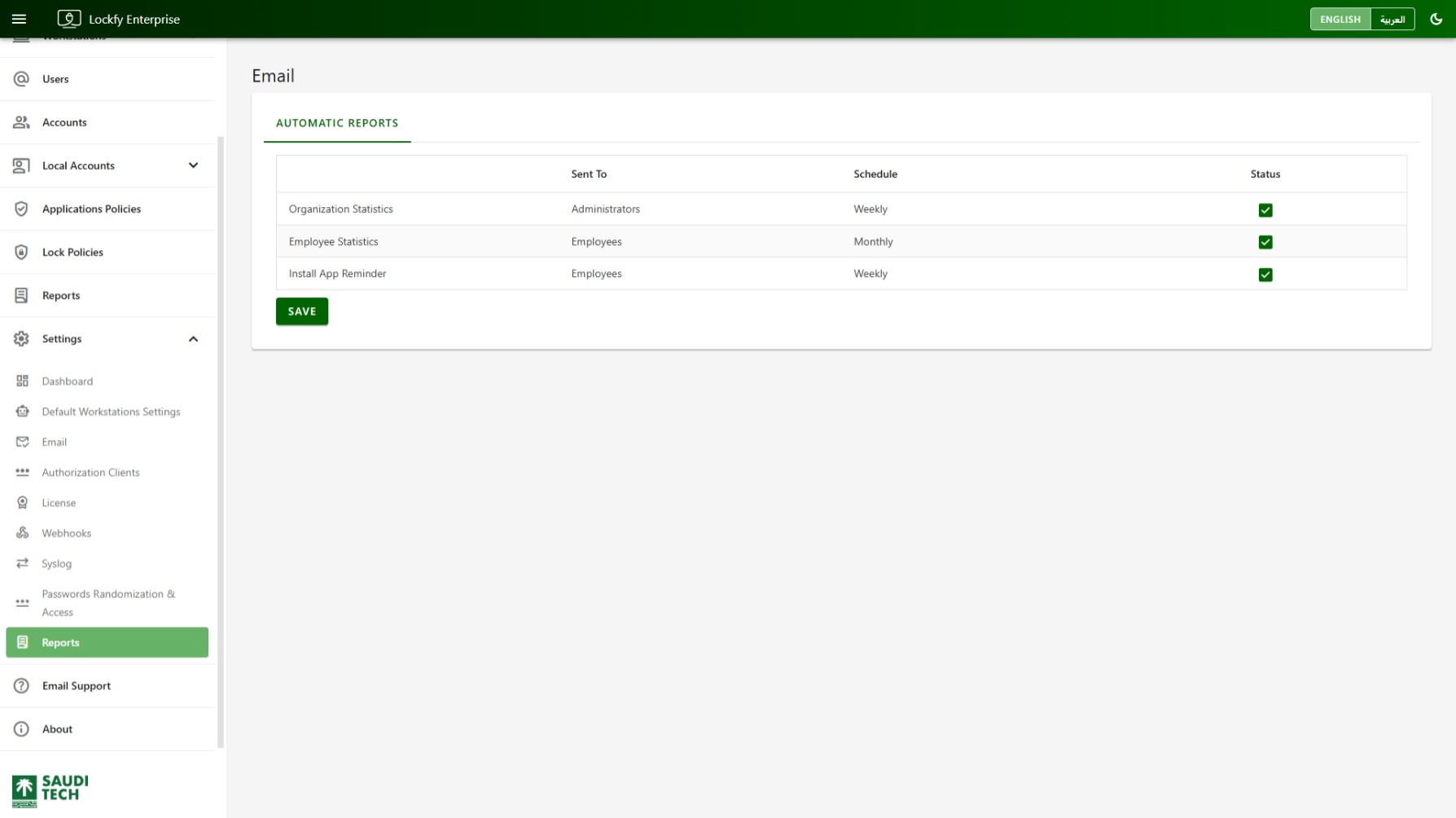
Use the Reports Settings page to manage Lockfy automatic report emails. This page controls which built-in recurring reports are sent, who receives them, and the schedule used for delivery.
Delivery depends on the outbound email service configured in Email Settings.
Automatic Reports
Section titled “Automatic Reports”The page contains an Automatic Reports table with the following columns:
Report: The report or notification type.Sent To: The target recipient group.Schedule: How often the report is sent.Status: Whether the report is enabled.
Currently, the configured entries include:
Organization Statistics: Sent toAdministratorson aWeeklyschedule.Employee Statistics: Sent toEmployeeson aMonthlyschedule.Install App Reminder: Sent toEmployeeson aWeeklyschedule.
Enabling and Disabling Reports
Section titled “Enabling and Disabling Reports”Each row includes a status control that shows whether that automatic report is active. Enable the reports you want Lockfy to send automatically and disable the ones you do not want distributed.
Send Now
Section titled “Send Now”Each report row also offers Send now, which sends that report immediately instead of waiting for its schedule. Lockfy asks for confirmation, naming the report and its recipients, and delivery can take a few minutes.
Saving Changes
Section titled “Saving Changes”Select Save after adjusting the report settings to apply the updated automatic email configuration.
To review the generated report content itself, see Reports.