Password Randomization and Access
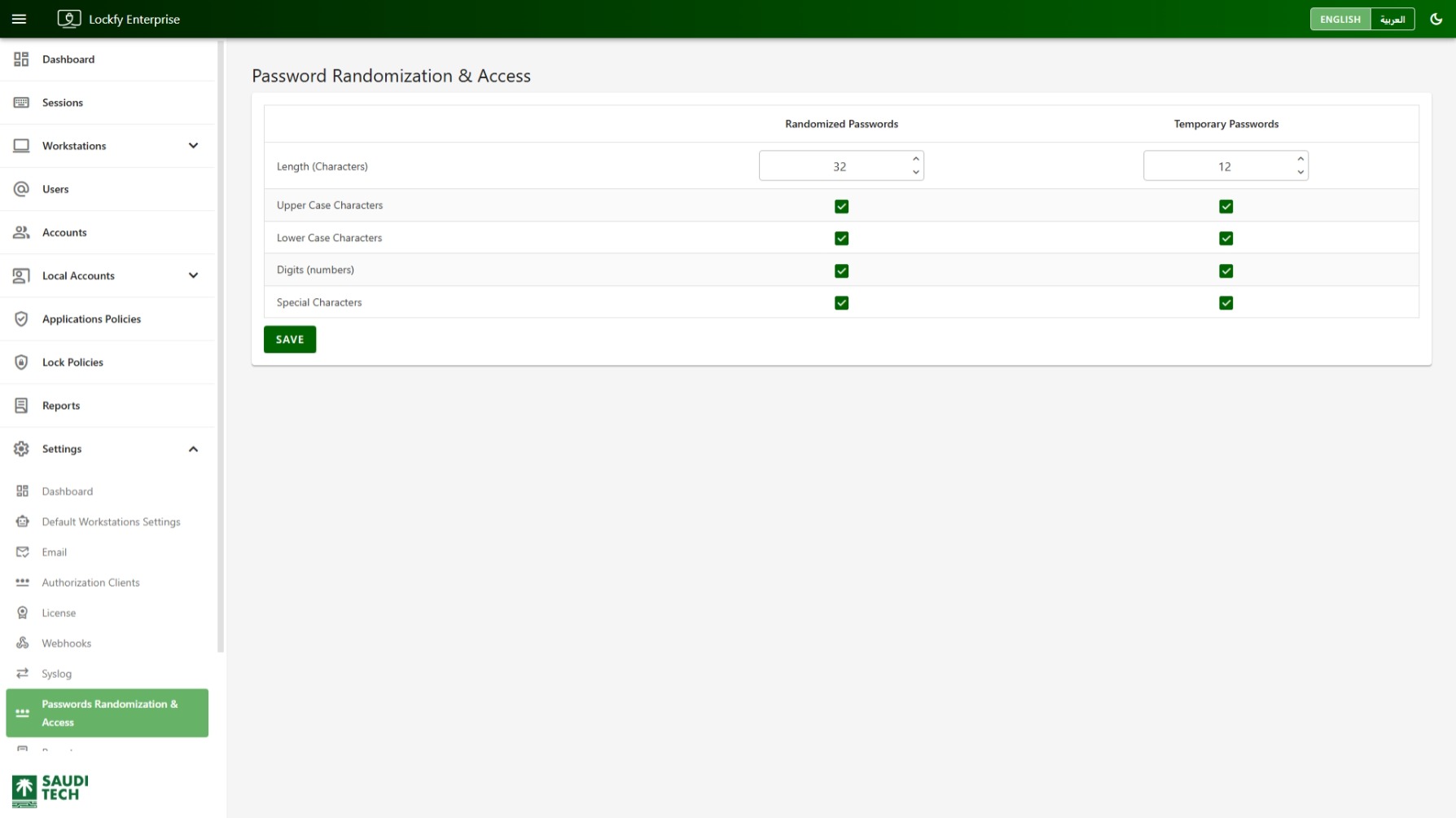
Use the Password Randomization and Access page to define the password rules Lockfy applies when generating local account passwords. The page separates settings for Randomized Passwords and Temporary Passwords so each use case can follow a different policy.
These rules are applied when administrators use password actions from Local Accounts List and Local Account Group Details.
Password Policy Table
Section titled “Password Policy Table”The page displays a side-by-side configuration table with two columns:
Randomized PasswordsTemporary Passwords
This allows you to set a stronger long-term randomized password policy while keeping temporary access passwords aligned with operational needs.
Configurable Rules
Section titled “Configurable Rules”Both password types can be configured using the following rules:
Length (Characters): The total password length.Upper Case Characters: Whether uppercase letters are included.Lower Case Characters: Whether lowercase letters are included.Digits (numbers): Whether numeric digits are included.Special Characters: Whether symbols and special characters are included.
In the example shown:
Randomized Passwordsuse a length of32characters.Temporary Passwordsuse a length of12characters.- All character classes are enabled for both password types.
Saving Changes
Section titled “Saving Changes”Select Save after adjusting the rules to apply the updated password generation policy.
These settings affect how Lockfy creates passwords during password randomization workflows and when granting temporary password access.
Recommended Use
Section titled “Recommended Use”Use a longer and more complex policy for Randomized Passwords, since these are intended to harden managed local accounts.
Use a shorter but still secure policy for Temporary Passwords when administrators need time-limited access that remains practical to handle during support or operational tasks.